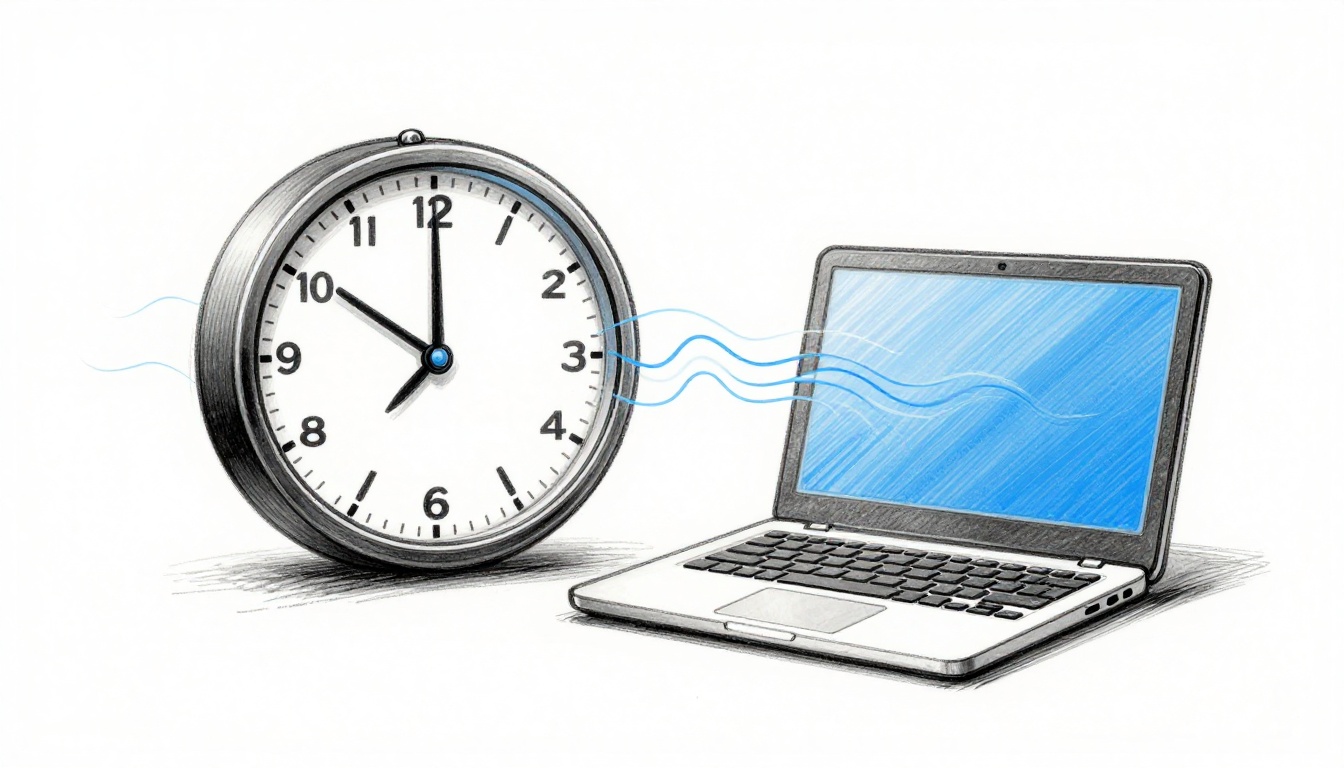
That moment when your wall clock is five minutes slow, or your laptop time doesn’t match your phone, feels small. Then it wrecks a meeting, a login, or a scheduled upload. The culprit is often clock drift, which means your clock runs a little fast or slow compared to true time.
Clock drift happens to almost every timekeeper, from quartz watches to computer servers. It usually builds slowly, then suddenly looks “wrong” when you finally compare it to a trusted source. In this guide, you’ll learn the most common clock drift causes, how to spot the problem early, and practical ways to fix clock drift at home or across a network.
Ready to keep your time on track?
Everyday Reasons Your Clock Drifts Off Track
Clock drift causes depend on what kind of clock you’re using. Still, the theme is simple: the device has an internal “meter” for time, and that meter changes with conditions like heat, age, power, or even vibrations.
Here are the rough, real-world expectations people notice:
- Mechanical clocks can drift on the order of tens of seconds per day if they’re out of trim, especially with temperature swings.
- Quartz clocks often drift around about a second per day (varies by quality and environment).
- Computers can drift similarly when they’re not syncing, then they fall further behind over hours.
- Atomic clocks are so stable that you may hear numbers like about 1 second in 100 million years for top systems.
Those ranges help you judge whether your clock problem is “normal-ish” or worth fixing fast. Also, drift usually isn’t random. It tends to show patterns, so once you know the cause, you can predict the error.
Temperature Swings and Their Sneaky Effect
Temperature is the biggest cause for many quartz and mechanical clocks. Heat changes the parts inside your timekeeper. Even tiny changes matter when the device counts time all day long.
Quartz clocks use a vibrating crystal. When the temperature goes up, the crystal’s vibration rate shifts slightly. Most people don’t notice a one-time change. They notice the total gap after a few days.
Mechanical clocks use a pendulum or balance wheel too. As the metal warms, it can expand. That shifts the motion a bit. It’s like swinging a pendulum in a warmer room. It won’t stop, but the rhythm can drift.
Here’s what that can look like in real life:
- You move a wall clock near a sunny window.
- The room runs hotter in the afternoon.
- The clock gradually falls behind (or sometimes speeds up), then you notice it after a week.
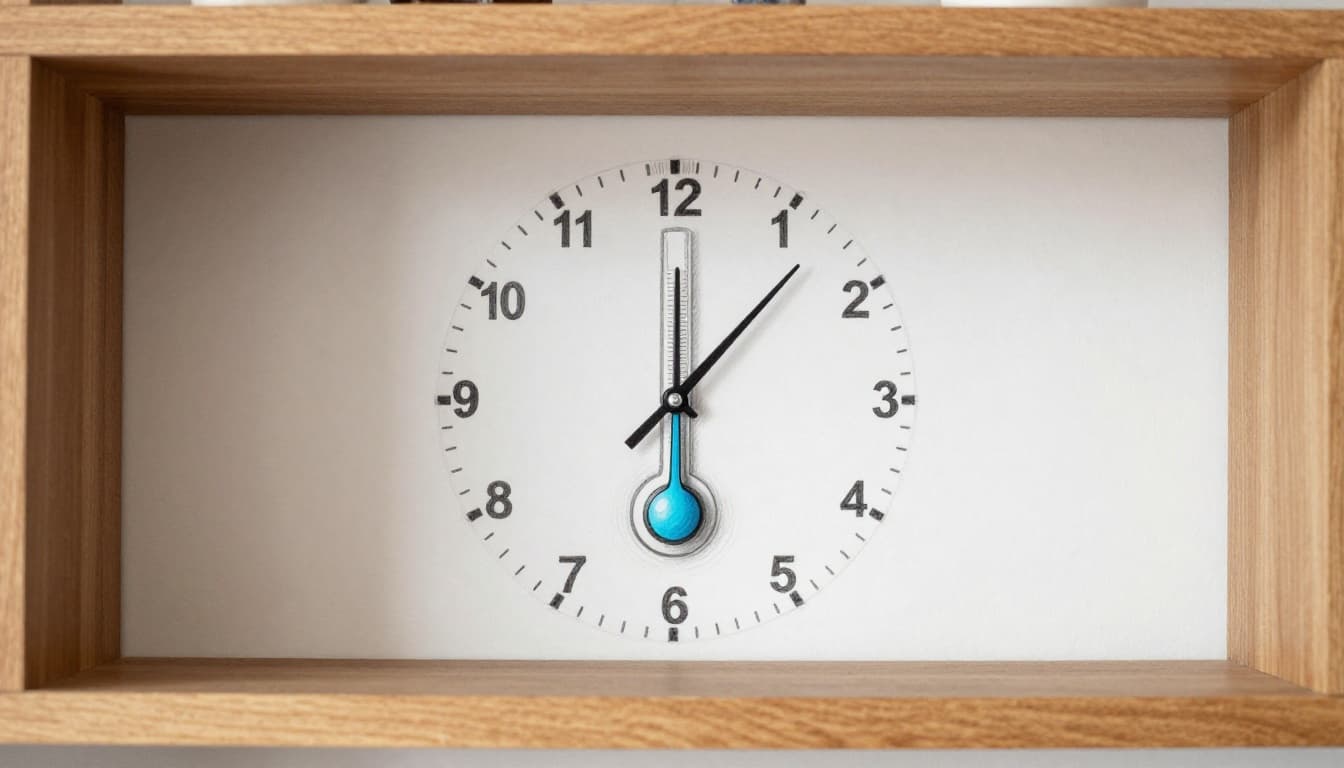
Quartz watches also tend to be more sensitive than people expect. A guide to quartz watch accuracy and calibration explains how temperature affects the quartz frequency and why calibration matters when conditions change, especially over time (see Accuracy and Calibration in Quartz Watches).
Worn-Out Parts and Factory Flaws
Some drift is built in. Manufacturing can’t make every crystal or gear perfectly identical. Even small differences show up as predictable drift, often measured in ppm (parts per million).
For example, a stability spec like 50 ppm sounds small. But it adds up over a day. That kind of error can become a few seconds per day depending on the clock’s design.
Then aging takes over. Over months and years, parts wear and lubricants change. Dust can slow motion. Oils can dry. Springs can lose a bit of tension. All of that can shift timing, especially if the clock gets knocked around.
Quartz crystals also “age” in a slow, chemical way. One resource that breaks down crystal oscillator aging mechanisms and rates can help you connect specs to real time drift: Crystal Oscillator Aging: Mechanisms, Rates & Mitigation.
If you want the technical side of how deviations and aging combine, All About Circuits has a deep explanation of quartz frequency deviations and how aging fits into frequency stability, tolerance, and time error in practice (Characterizing Frequency Deviations of Quartz Crystals).
For a quick mental model, think of clock parts like a rubber band. It may feel fine today. After enough stretches, its behavior slowly changes.
Power Problems and Outside Nudges
Power is another common reason clocks drift, especially for batteries and portable electronics. A weak battery might still “work,” but it can make the oscillator run slightly off. Some clocks also react to voltage dips during motor starts, radio transmissions, or screen brightness changes.
Humidity and pressure can also matter. Mechanical clocks feel it through materials and lubrication. Quartz clocks feel it indirectly through how the device handles its internal environment.
Finally, vibrations can nudge timing. If a clock sits on top of a washing machine, a garage door track, or a floor that vibrates, it may slowly fall out of step.
If you’ve ever seen “ppm/°C” specs in a clock stability guide, that topic explains how temperature, aging, and even warm-up behavior stack up as time error. For a practical framing, check Clock Stability Guide: ppm/°C, Aging & Drift.
Spotting Clock Drift Before It Adds Up
The fastest way to fix clock drift is to catch it early. Most people compare clocks once, then assume the reading is “just wrong.” Instead, watch it for a few days. You’ll learn whether the drift is small and stable, or big and getting worse.
Also, your goal matters. If it’s a kitchen clock, a small error is fine. If it’s a computer or a security system clock, it can cause real failures.
Here’s a simple rule: measure the difference between your clock and a trusted reference, then look at how that gap changes over time.
Quick Checks for Home Clocks and Watches
Try a three-day test. It’s low effort, and it gives useful data.
- Pick a trusted reference (your phone’s time, or a clock that always stays synced).
- Write down how far your clock is off at the same time each day.
- Average the daily change.
If your wall clock is 5 minutes slow after a week, that suggests about a minute per day. That’s far beyond typical quartz drift. It usually points to temperature placement, a worn movement, or power issues.
For a watch, compare it against your phone once a day, then calculate seconds per day. If you see the error growing faster each day, something environmental might be changing. If it stays steady, you might be seeing a basic oscillator tolerance plus aging.
Also, be careful about “slew” vs “step” changes. Some clocks jump when they resync. Others “slew,” meaning they adjust gradually to avoid a sudden time jump. Your detection method should account for that.
A three-day check beats guessing every time.
Computer and Phone Drift Detectors
Computers are great because they often expose time offset data.
On Linux, you can check synchronization state with tools like timedatectl and chronyc. When offset stays small and steady, your system tracks the network reference well. When offset grows, your clock is drifting or sync is broken.
A common target in many environments is under about 100 milliseconds of offset for healthy sync. Past 1 second often means something is wrong, like a misconfigured time source, a firewall issue, or a failing oscillator.
On phones, it’s harder to see raw drift, but you can still compare timestamps between devices. If your phone looks right while your laptop is off, your laptop sync is the likely problem.
If you run into Linux “system clock wrong” errors, this troubleshooting page can help you connect NTP misconfig, hardware clock mismatch, and timezone problems to real symptoms: Fix ‘System Clock Wrong’ on Ubuntu.
Fix Clock Drift with Simple Home Tweaks
Now for the good news: you don’t always need special equipment. Many clock drift problems improve with a few practical choices.
First, fix the environment. Temperature changes can drag quartz clocks and mechanical clocks off rate. Move the clock away from direct sun, vents, and heaters. Also, avoid spots with frequent drafts.
Second, fix the power. If it’s battery-powered, use a fresh battery. For clocks that use rechargeable packs, keep them topped up. If the clock runs close to low power, drift can get worse.
Third, adjust the mechanism carefully. Some clocks let you fine-tune rate. Quartz watches might have a setting option or calibration. Mechanical clocks often have a pendulum adjustment, or a crown to regulate rate.
For standalone clocks that don’t sync automatically, one “pro” home trick is rate tuning after measurement. You run your three-day test, estimate seconds per day, then adjust the clock to reduce that rate error. Over time, it becomes closer to zero drift.
If your clock drifts by minutes each year after tuning, you’re in decent shape. The key is that you measured the drift before changing anything.
When you need to fix clock drift quickly in networked settings, you rely on synchronization instead of manual tuning. That’s where NTP and PTP come in, and it’s also where the next section gets more powerful.
Pro Fixes Keeping Servers and Gadgets in Sync
Home fixes help one device. Server fixes keep thousands aligned. When your data relies on exact timestamps, drift can cause failed logins, wrong order of events, and broken security checks.
Pro teams usually fix drift in two layers:
- Sync the clocks using a trusted time source.
- Control the adjustment method so the system doesn’t jump backward or forward in time.
Network Sync Magic: NTP and PTP Explained
Most networks start with NTP (Network Time Protocol). Many modern setups also use PTP (Precision Time Protocol) for higher accuracy.
NTP is good when you need reliable sync across the internet or mixed networks. It uses a client-server approach and estimates offset plus delay. It then adjusts your clock in small changes.
PTP is designed for more precise timing inside local networks. It can reach much smaller error because it measures timing closer to the hardware. Data centers often use PTP for equipment that needs tight timing.
If you want a clear explanation of how teams combine both protocols for better performance, Red Hat’s guide is a strong starting point: Combining PTP with NTP.
Here’s what this looks like across common device types:
| Device type | Common goal | Best sync approach |
|---|---|---|
| Smartphones and laptops | Good enough for apps | NTP via OS services |
| Home routers and smart hubs | Stable event timing | NTP with secure sources |
| Media servers and home automation | Fewer timestamp conflicts | NTP, sometimes with monitoring |
| Financial systems and low-latency services | Very low timestamp error | PTP (often with NTP fallback) |
| Industrial control and factory gear | Tight control loops | PTP on local networks |
| Large VM farms | Avoid huge skew | Central sync plus correct boot-time sync |
In tough cases, systems can drift so far that normal adjustments struggle. One practical example: if a node’s RTC drifts by minutes, syncing can take too long, and the system may stop accepting updates. A guide focused on checking and correcting substantial NTP drift explains that situation and offers a quick recovery approach: How to check and correct substantial NTP drift.

Hardware Upgrades That Beat Drift Cold
Software sync helps, but hardware matters too. If the oscillator is unstable, the system has to work harder to keep up.
Common upgrades include:
- Better oscillators (like TCXO or OCXO class parts) instead of basic crystals.
- GPS timing for places with no clean internet access. Many systems can lock to GPS signals and then distribute time locally.
- Better network timing hardware, such as PTP-capable NICs and switches that support accurate timestamping.
In phones, it’s usually a mix of OS sync, GPS assistance, and onboard stability. In data centers, it often means better clocking plus PTP support in the infrastructure.
If you’re building or coding around drift issues, some teams also use PTP approaches in Linux environments to handle advanced timing cases. For a technical example, this page discusses handling advanced clock drift issues with PTP on Linux (Handling Advanced Clock Drift Issues in C Language with PTP on Linux).
Meanwhile, cloud and VM environments can create their own surprises. Hypervisors can pause and resume workloads. Therefore, pro systems often include monitoring and “right at boot” clock sync so clocks don’t start life already skewed.
Future Tech Ending Clock Drift Forever
Clock drift won’t disappear overnight. But the direction is clear: better time standards, smarter correction, and wider use of high-precision sync.
In 2026, researchers keep pushing ultra-stable optical clocks. One report in Nature Photonics describes orders-of-magnitude improvement in precision spectroscopy of an optical clock transition in neutral ytterbium atoms. That’s the kind of progress that can lead to future timing standards far more stable than today’s references (Orders-of-magnitude improvement in precision spectroscopy).
At the practical level, more real-world systems now use precise sync methods for hard jobs:
- shipping and logistics that need consistent cutoffs,
- networks that depend on tight handshakes,
- and trading systems that can’t tolerate sloppy timing.

There’s also a push toward “good enough everywhere” timing. Better PTP services and improved network hardware help get small errors out to more places. As 5G networks expand, telecom timing systems also get more precise. That improves sync for devices that travel between networks.
Even if quantum clocks stay mostly in labs, their spillover shows up as improved standards, better calibration methods, and tighter timing defaults.
For you, the benefit is simple: fewer weird timestamp mismatches, fewer “why is your clock wrong?” alerts, and smoother automation. More time that stays where you expect it.
Conclusion
Clock drift happens because timekeeping parts change. Temperature shifts quartz and mechanical motion, aging slowly alters precision, and power or vibrations can nudge the system off rate. On computers, drift shows up as growing offset against a trusted time reference.
To fix clock drift, start with measurement. Then use the right adjustment method, from moving a clock away from heat to enabling NTP or PTP on systems that need exact timestamps. Once sync is healthy, drift stops feeling random.
If you noticed your clock drifting this month, check it today. Then share your story: what kind of clock was off, and by how much? Ready to keep your time on track?