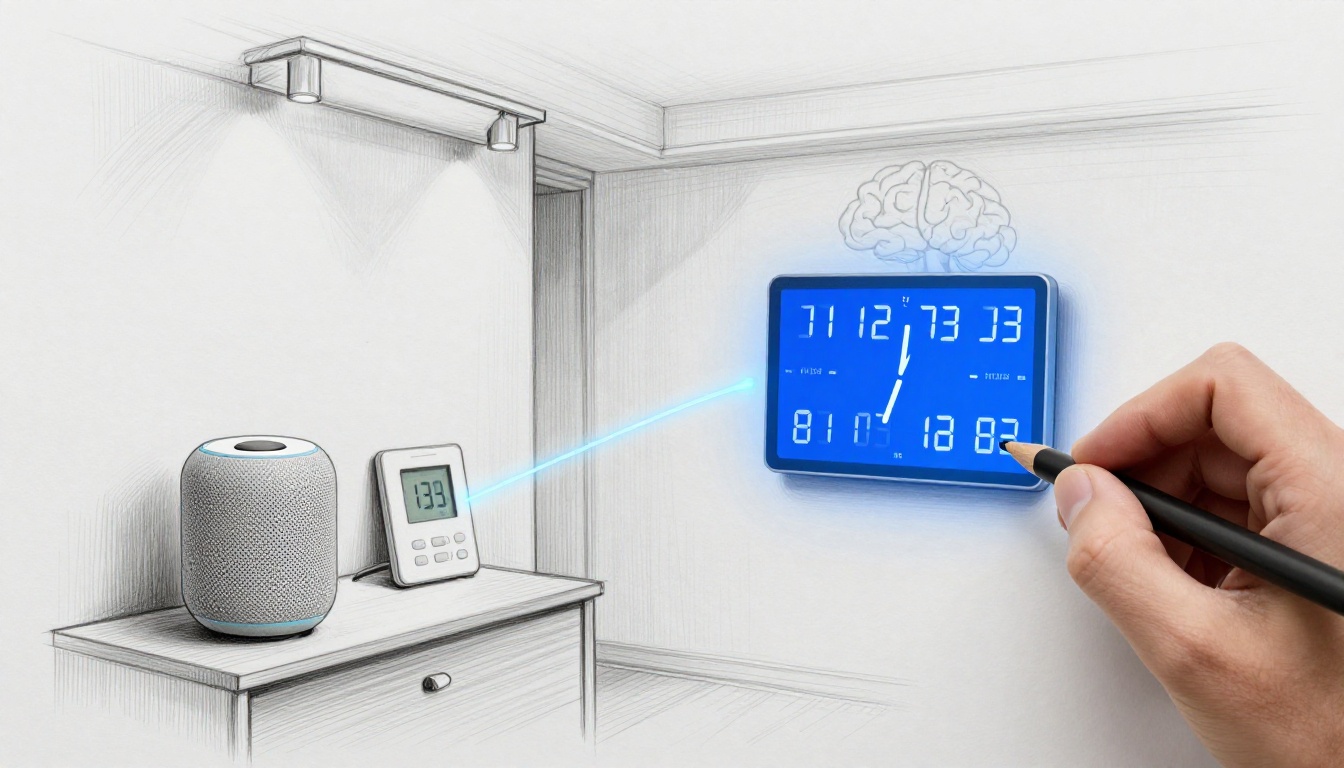
Imagine arriving home jet-lagged from a trip. Your smart lights dim, your thermostat cools, and your calendar reminders land at the right local time. You didn’t open an app. You didn’t fix a setting. Smart systems handle time automatically by turning time into something devices can reason about, not just display.
In homes, offices, and even cities, smart systems use AI-powered devices that connect through IoT. They read schedules, track events, and respond to change. Then they adjust timing on the fly, even when travel, daylight saving shifts, or a late work meeting throws everything off.
So how do they do it? And why does it sometimes still go wrong?
In 2026, the answer is a mix of predictive AI, edge computing, and better “time hygiene” across connected devices. First, you’ll see the real reasons time stays tricky. Next, you’ll learn the core tech that makes automatic time handling work. Then you’ll get practical examples across home, voice assistants, cities, and factories. Finally, you’ll see the perks you can feel right away, plus what to watch next.
Why Time Still Challenges Even the Smartest Devices
Time sounds simple, until your life becomes complicated. A “9:00 AM” meeting might start in one time zone today and another tomorrow. A routine that works on weekdays can fail when your commute shifts or you work late. Also, delay happens. Data arrives late. Networks lag. Sensors miss a reading. When timing depends on many moving parts, small errors can snowball.
For global teams, time zone sync is the first pain point. For example, a smart fridge may rely on store hours when ordering groceries. During travel, it can pull the wrong “local” context, so deliveries land at odd times or arrive when nobody’s home.
For industry, shift timing is another problem. If a machine reports status late, a scheduling system can miss the exact window for a maintenance task. Then overtime follows, because the plan now competes with reality.
Edge-first processing helps, but only when systems send the right signals to the right place. One helpful way to think about this is “time consistency.” If each part of an AI system measures time differently, the smart system can “agree” on the wrong story. Some developers solve this with a “temporal layer,” a framework that tracks time more reliably for AI systems that reason about schedules (building a temporal layer).
Here’s the tension: the more automated time gets, the more you notice when it breaks. That’s why 2026 designs focus on prediction, local decision-making, and tighter synchronization.
Also, it’s not just theory. By early 2026, updates on smart factories put edge computing adoption around 21% for timing tasks that must not wait on cloud round trips. That number matters because milliseconds affect real schedules.
Dealing with Time Zones and Travel Headaches
Time zone handling is where “smart” meets human reality. Your devices must interpret three things at once: your location, your intent, and your calendar. If one of those drifts, the result can feel silly fast.
Here’s a common scene: you land in a new city, and your voice assistant sets an alarm using the last known location. Or it assumes your “morning routine” still means 7:00 AM where you used to live. Users notice this right away, because reminders fire at the wrong time, or commute alerts show up too early.
So what changed by 2026? Systems lean harder on GPS and device context, plus machine learning that detects travel patterns. Instead of treating time zone updates like a manual setting, they infer it from movement. Then they shift schedules automatically.
A simple user story helps. You leave for the airport at 4:00 PM and check your phone later. When you arrive, your system updates your calendar events to local time, but it also keeps your routine intact. Dinner reminder stays “after work,” not “after 5:00 PM at home.”
In addition, some assistants also rewrite tasks using context from your calendar and messages. If you asked for a reminder while abroad, the system can store the intent (“call the office”) and apply it at the right local window.
The goal is not just “correct time.” It’s correct meaning.
Scheduling Conflicts That Disrupt Daily Flows
Next comes scheduling clashes, the kind that don’t look dramatic until you live them. Lights turn on too early because your commute changed. A meeting starts at the right time, but the system expects you to be free one hour earlier. Or a smart task fires because a dependency update arrived late.
This is where predictive AI time management shows up. Instead of only following a schedule, the system learns how you behave. It watches patterns from sensors, calendars, and even device usage. Then it adjusts timing before you hit the conflict.
For example, if your calendar shows a “default” gym slot, but your wearable data suggests you moved it last week, the system can shift future reminders automatically. It might also buffer travel time when it predicts delays.
Energy scheduling is similar. If your thermostat schedules heating based on a weekday routine, it can waste power when your routine changes. Auto-updates reduce wasted runs by adapting to new start times, and that also reduces the “I’ll fix it later” feeling.
In 2026, systems also handle disruptions more smoothly. If a meeting runs long, your system can reschedule nearby tasks. It does this by recalculating time windows, not by brute-force canceling everything.
The big promise is simple: fewer errors, less mental work, and schedules that feel like they’re listening.
Key Tech Making Automatic Time Handling a Reality
Automatic time handling doesn’t come from one feature. It comes from a stack that covers sensing, reasoning, and action. When it works well, it feels like a habit. In reality, it’s an ongoing loop.
Think of it like this: time data enters the system, predictions shape the plan, and edge devices make quick calls. Then IoT connections spread the updates so every device stays in sync.
Below are the main building blocks you’ll see in 2026 smart systems.
Predictive AI That Guesses Your Next Move
Predictive AI time management is about forecasting schedules and needs before the conflict happens. Instead of waiting for a missed reminder, the system estimates what comes next.
In practice, it scans a mix of inputs: calendars, location history, sensor readings, and past routines. Then it builds timing forecasts. If traffic data suggests delays, it can adjust a meeting prep window. If a maintenance pattern shows a machine usually needs attention after a certain run time, it can schedule tasks at a safe moment.
This approach matters because it turns “time” into a set of relationships. It’s no longer just timestamps. It’s duration, dependency, and likely behavior.
Some research and product frameworks now focus on context-aware time-series forecasting using agentic setups. For example, Salesforce published work on MoiraiAgent, an agentic framework for context-aware forecasting that connects signals over time (MoiraiAgent for context-aware time-series forecasting). Even if you’re not building an enterprise AI system, the pattern is relevant: prediction improves timing decisions.
Also, predictive systems handle travel differently. Instead of reacting only after you change time zones, they can anticipate it based on itinerary. Then they adjust reminders and routines earlier.
When this tech works, your “plan” changes without you starting over.
Edge Computing for Lightning-Fast Time Decisions
Edge computing scheduling exists for one reason: some timing tasks can’t wait on cloud delays. If a factory controller waits for the internet, timing breaks. If a smart alarm waits, you lose trust.
So edge processing moves time-critical logic closer to the sensors and devices. The system still uses cloud for bigger analysis. However, it handles clock alignment and immediate scheduling decisions locally.
This is also how systems respond during network hiccups. If cloud access slows down, the local edge nodes can keep coordination running. They also reduce latency during rapid updates, like time-sensitive shifts in industrial workflows.
For a clearer view of how edge computing fits in manufacturing, this guide offers a 2026-focused explanation of the setup and why edge processing helps (Edge Computing in Manufacturing: 2026 Smart Factory Guide).
Here’s the key takeaway: edge lets systems make timing decisions in real time. That matters when the schedule depends on the physical world.
AIoT Connecting Everything in Perfect Sync
AIoT brings the “everything” part together. It’s not only AI logic, and it’s not only IoT sensors. It’s the combination of connected devices and AI reasoning, working as one timed system.
In a smart grid, AIoT devices share timing signals to coordinate energy use across regions. When demand changes, the system shifts power allocation based on local time windows and predicted load. Similarly, in buildings, connected controls align HVAC cycles, lighting scenes, and occupancy patterns.
Because the devices share data, they can also maintain time consistency. That reduces the “one device is ahead” problem that causes conflicts.
In many smart deployments, AIoT systems run event-driven scheduling. Instead of checking time on a fixed loop, they respond when something happens, like a sensor event or a machine status update. Then they recalculate the next best time to act.
This style also helps with global coordination. When time zones differ, the system keeps the meaning intact while it shifts the actual timestamp.
So when you ask, “How will smart systems handle time automatically?” the honest answer is: they keep time as context, not just as a clock.
Real-World Ways Smart Systems Master Time Today
Now let’s make it feel real. Automatic time handling shows up in everyday moments and larger systems too. The pattern stays the same: detect context, predict needs, then schedule at the right local time.
Your Home Getting Smarter About Your Day
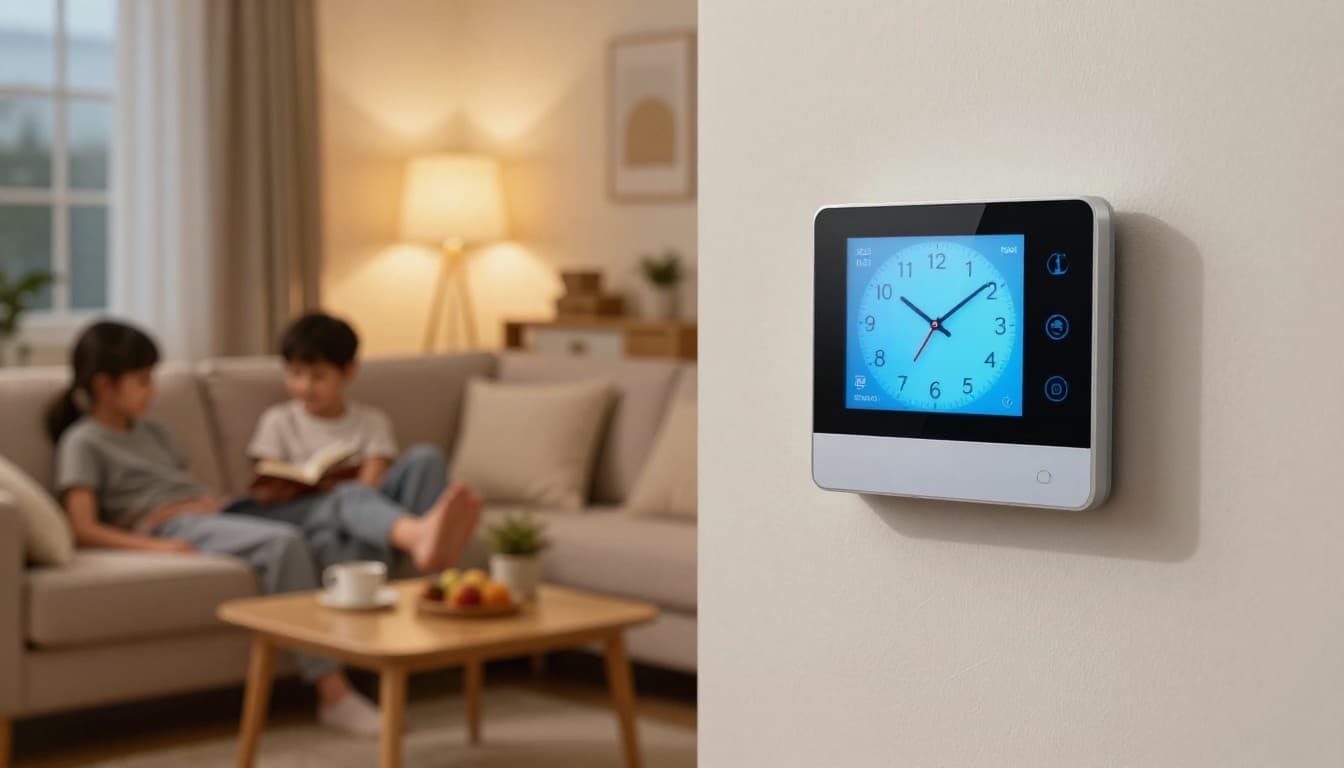
Smart homes are where automatic time handling feels personal. Your thermostat doesn’t just follow a static schedule. It learns when you actually wake up, when you leave, and when you want comfort.
As a result, temperature changes line up with your day, even if the day changes. If you sleep in, your heating and cooling adapts. If you come home early, it adjusts. Meanwhile, lighting can follow your routine and local sunset timing.
Smart waste pickup systems do something similar. Sensors can confirm when bins fill up. Then the system predicts pickup timing and helps you plan around it.
If you’re planning a renovation or just upgrading, you’ll see more time-aware features show up in 2026 smart home trends. DC Structures highlights how smart upgrades shape comfort and daily routines, not just device controls (Smart Home Trends of 2026).
Some setups even act like a “digital butler” that triggers actions when you arrive home. For example, one 2026 blog post describes a system that adjusts lighting, thermostat, and security as you walk in (OpenClaw Mobile as a digital butler).
Whether you use a big platform or a few smart devices, the same idea applies. Time gets handled automatically when devices coordinate around your routine.
Voice Helpers That Never Miss a Beat
Voice assistants are the most visible proof of automatic time handling. People don’t ask for time zones by name. They ask for reminders, alarms, and scheduled tasks that “just work.”
That’s why travel is such a stress test. When you cross regions, your voice assistant must decide which clock to use. It should also keep the intent. “Remind me to call my team after lunch” needs local timing, not home timing.
In day-to-day use, that often looks like this: you tell your assistant to set a meeting, and it adjusts the reminder window when your calendar changes. If your email includes a time, it can help confirm the local time for the event. Then it can add the event to the right day in your current time zone.
Ever had Alexa or another assistant book a meeting across oceans without you touching the time zone setting? That’s the goal. You want the reminder to show up when it should, in the place where you are.
Also, better assistants don’t only schedule events. They reduce conflicts by checking availability and suggested buffers. If a meeting runs late, they can nudge the next task and ask for confirmation when needed.
So the assistant becomes a timing partner, not just a microphone.
From Cities to Factories: Scaling Up the Magic
When smart systems leave the home, timing becomes a public and industrial issue. Cities care about traffic flow during rush hours. Factories care about shift changes and machine downtime.
Smart cities use sensors, traffic models, and timing plans to adjust signal timing. Instead of fixed cycles, they predict rush hour patterns. Then they adjust which roads get green time, based on what the system expects next.
Factories face tougher timing logic. In 2026, many setups treat scheduling as event-driven. If a machine breaks, the system recalculates the production sequence. It then shares updated due dates and work orders.
That’s also where predictive AI becomes valuable. Systems can forecast the best moment for maintenance based on run patterns. As a result, they reduce unexpected stops. In March 2026 updates, predictive AI approaches cut unplanned downtime by 45% in buildings and factories.
Now layer in edge computing. When local systems handle timing quickly, they avoid cloud lag. That keeps the schedule aligned with real events on the floor.
Also, IoT devices help share timing signals across the plant. They keep workers, machines, and materials coordinated without a manual time audit.
The result is steadier output and fewer “we missed the window” surprises.
The Biggest Perks and What Comes Next
The perks show up fast. Automatic time handling reduces errors, so you waste less time fixing schedules. It also lowers the mental load. You don’t have to babysit reminders after travel. You don’t have to correct alarms when daylight saving shifts.
Just as important, it improves consistency. When systems share time context across devices, everything stays aligned. That means fewer mismatched calendars, fewer wrong-location alarms, and fewer “why did it run at 3?” moments.
Here’s the practical part: you can start using these benefits now, even without upgrading your whole home or office. Try these two moves first:
- Test travel timing: set a reminder while abroad, then check it lands at the right local time.
- Review automation rules: look for routines that trigger by fixed time, and switch them to context-based triggers if your platform supports it.
The real win is trust. When your devices adjust time correctly, you stop thinking about the clock.
What’s coming next in 2026 and beyond? Deeper integration between assistants, calendars, and IoT sensors. More personalized timing windows, shaped by your patterns. Also, better privacy controls, since timing data can reveal routines.
If you want a simple takeaway, it’s this: smart systems handle time automatically when they combine prediction, edge speed, and shared IoT context. And once that happens, life feels less like schedule management and more like flow.
Want to see if your setup is ready? Try one travel reminder test this week, then check for updates in your smart home and assistant apps.