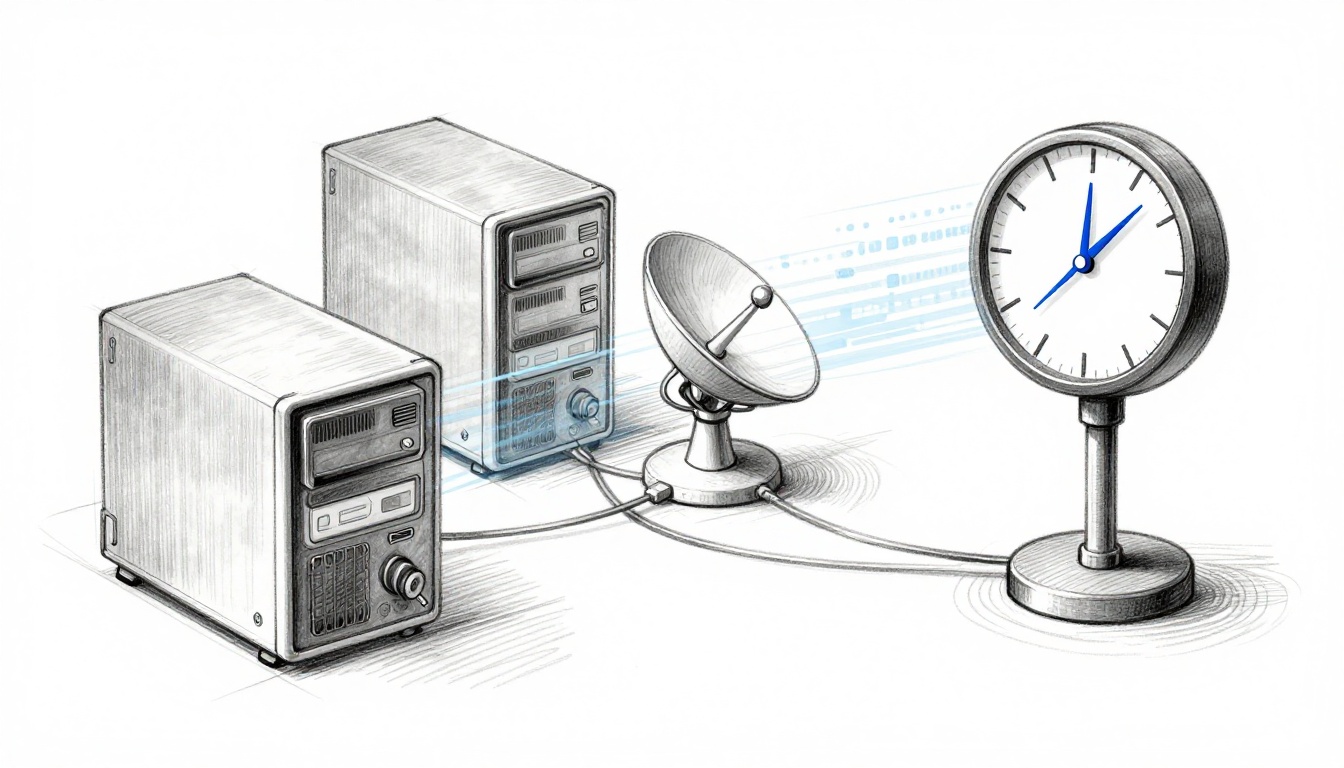
A single wrong clock can knock modern tech off its rails. In December 2025, NIST’s time services suffered problems after a major windstorm, causing time jumps that reached millions of systems worldwide. Even small errors, like a few microseconds, can ripple through networks that depend on strict timing.
Time errors happen when devices lose track of the exact time. That can look like clocks drifting, servers failing, or systems mixing up time zones. At first, it feels harmless, like a watch that runs a little fast. Then you see failed logins, broken app tasks, stalled connections, and messages that show up in the wrong order.
This post breaks down the main causes of time errors, then shows what they disrupt in tech and communication. You’ll also see real examples up to March 2026, plus practical fixes you can apply right away. Ready to see how this affects your daily apps?
The Sneaky Causes Behind Time Errors in Devices
Time errors usually start quietly. A server goes offline, a clock drifts, or a setting gets changed. Then the fallout shows up somewhere else, sometimes far away.
NTP failures and “bad time” spread across networks
Most networks use time servers so devices can sync. A common setup uses Network Time Protocol (NTP). Devices ask NTP servers for the current time, then adjust their local clocks.
When NTP fails, devices may stop syncing or, worse, sync to the wrong values. In December 2025, NIST’s Boulder campus lost power during a windstorm, and one key generator failed. At one point, the time error reached about 5 microseconds off, while the Gaithersburg site saw an earlier issue with about minus 10 milliseconds.
Here are common NTP-related time error sources:
- Power loss at a time source: backup generators fail, so accurate clocks lose their reference.
- Overloaded or unreachable servers: clients give up or fall back to poor defaults.
- Misconfiguration: one wrong NTP setting can shift whole fleets.
- NTP data that suddenly jumps: clients react and treat time as a new baseline.
Clock drift: the slow version that still causes big outages
Not every time error comes from a dramatic failure. Many happen because clocks are imperfect.
Hardware clocks drift over time. They slowly run fast or slow when they are not continuously synced. Power loss can also reset a device’s timing, especially when it relies on a small real-time clock (RTC).
Imagine a meeting room clock that gains 30 seconds each day. You might not notice at first. However, logs stop matching, scheduled jobs run early, and security systems start rejecting “not yet valid” entries.
In addition, some platforms fail in specific ways when time jumps forward. For example, Cisco Cyber Vision Center can stop data collection when its NTP source suddenly jumps ahead in time. That creates a “time jump” error and halts reporting until time sync is corrected.
Leap seconds and time zone mix-ups
Leap seconds can scare people because they add an extra second. However, leap seconds are rare and scheduled.
Also, many “leap second alerts” turn out to be false alarms. A device called LeoNTP 1200 wrongly predicted a leap second in October 2026. Support later confirmed it was a bug, and official sources showed no leap second planned for 2026.
Time zones create a different kind of headache. A device can have the right UTC time, but still show the wrong local time. That leads to missed meetings, wrong ticket timestamps, and confusing incident timelines.
Here’s the quick takeaway: time errors come from sync failures, drift, leap second handling bugs, and time zone settings. The impacts show up when software trusts the time it receives.
How Time Errors Throw Computers and Networks into Disarray
Time errors matter because tech assumes time is stable and consistent. When clocks disagree, systems make the wrong decisions.
Network and login nightmares
Authentication and session security rely on time. If your system clock drifts too far, you can fail to log in. This includes logins that use token expiry, signed requests, or Kerberos-like time checks.
Time errors also break automated workflows. Many tools use timestamps for ordering events, retries, and “last seen” checks. When time jumps forward or backward, those checks can look like stale data or suspicious behavior.
Here’s why this becomes visible fast:
- Security checks fail: certificates, tokens, and signed requests validate against time.
- Apps stop updating: background jobs may run at wrong intervals or never trigger.
- Data gaps appear: monitoring dashboards show missing ranges, not just delays.
A real example shows how time sync can freeze IoT behavior. In an Arduino IoT Cloud setup for an A/C remote, TimeServiceClass::getRemoteTime failed to get time from NTP. The board then relied on a connection handler path and could appear offline, which stopped remote A/C controls. Similar blocking can happen when code delays too long and cloud updates stop.
Even if the hardware is fine, the system can effectively “wait forever” on time.
GPS and blockchain breakdowns
Some systems need precise time for physical measurements. GPS is the best-known case. GPS receivers use timing signals to compute position. If the time reference is off, the receiver can produce incorrect location estimates.
Blockchain systems also depend on timing consistency. Nodes validate transactions and blocks using expected time and ordering. If nodes treat time differently, the network can fork or reject data. It’s not always a simple “wrong time equals hacked,” but time disputes can create valid-looking disagreement.
If you want a practical way to think about it, use this analogy: time is the shared ruler. When everyone measures in different units, even honest data starts to look wrong.
The table below summarizes where time errors show up first:
| Tech component | What time errors break | Typical symptom |
|---|---|---|
| NTP-synced servers | Event ordering and sync state | Sudden logs shift, monitoring gaps |
| TLS and HTTPS | Certificate validity windows | Browsers fail with time-related trust errors |
| Authentication flows | Token and signature expiry | Login failures and “expired” messages |
| GPS receivers | Position math based on timing | Wrong or unstable location fixes |
| Blockchains | Block and transaction ordering | Reorgs or rejected updates |
Communication Fails When Time Goes Awry
Communication systems rely on timing in two ways. First, they use time for delivery and retries. Second, they use time for ordering messages and validating security.
Email delivery and access blocks
Email looks simple, but it’s full of timing rules. Accounts use sessions, tokens, and secure connections. If the server side or client side clocks drift, you can see login problems and mail access delays.
In March 2026, Runbox had a major email outage on March 4. The root cause wasn’t NTP. Multiple SSDs failed inside a server, which triggered a chain reaction. Still, timing matters because clients trying to authenticate often depend on correct server behavior and secure session setup.
Runbox reported that no email data was lost. However, people who tried logging in for the first time, or using apps via IMAP (like Outlook or Apple Mail), couldn’t access their email until engineers fixed follow-on issues. By March 8, most users were back to normal.
The lesson is clear: even when the outage starts as hardware failure, timing-related checks can turn a partial failure into a full access block.
Video chats and social feeds gone wrong
Now think about message order. Video chats and chat apps often rely on sequence numbers, timestamps, and session timing to match who said what and when.
When timestamps jump, you can see:
- Out-of-order chats
- Failed joins and reconnect loops
- Bizarre “new message” behavior
- Temporary bans tied to security rules
A practical example is easier to imagine than to explain. Picture a group meeting where one person’s device thinks it’s 10 minutes later. Messages arrive, but the app thinks they belong to a different session window. Then it stops matching them to the active call.
In addition, DNS and security extensions such as DNSSEC depend on correct validation. If validation runs with wrong time, it can fail even when the domain name is correct.
So when time errors hit communication, they don’t only delay messages. They can break trust checks and ordering logic.
Fresh Warnings: Time Error Outages from Late 2025 to Now
Time errors don’t always make headlines, but recent cases show a clear pattern: when a timing dependency fails, multiple services feel it.
Here are notable events up to March 2026, based on reported details:
- Dec 10, 2025 (Gaithersburg, MD): an atomic clock problem led to a time error of about minus 10 milliseconds.
- Dec 17, 2025 (Boulder, CO): a windstorm knocked out power, and one generator failed. The time error reached about 5 microseconds.
- Dec 18-22, 2025: NIST recovered in phases, restoring accurate services after careful checks.
- Mar 4, 2026 (Runbox email): SSD failures triggered access problems, especially for people not already logged in.
- Mar 2026 (Cisco Cyber Vision Center): time jump behavior tied to NTP misbehavior can stop data collection.
- Ongoing (IoT devices like Arduino-based remotes): NTP time sync errors can freeze cloud updates and halt control loops.
- Leap second scare in 2026: LeoNTP 1200 showed a “leap second soon” prediction, later confirmed as a bug. No leap second is planned for 2026.
The big point isn’t that every incident is identical. It’s that time dependencies show up across industries, from lab-grade time servers to consumer email and IoT controls.
Smart Fixes to Stop Time Errors in Their Tracks
You don’t need a lab full of atomic clocks to reduce time risk. You do need better design, monitoring, and guardrails.
Practical steps that cut time errors fast
Start with the basics, then add protection where it matters most.
- Use multiple NTP servers
One server failing shouldn’t sink the whole sync process. - Prefer disciplined time sync tools
Tools like Chrony are widely used for stable NTP behavior on servers. - Lock down NTP access
Restrict who can talk to your time sources. This reduces the odds of bad packets. - Monitor for time jumps, not just drift
Sudden jumps can freeze apps and break auth flows. - Handle leap seconds and edge cases in software
Test how your code reacts to rare time events and unusual offsets. - Check time zones and settings in endpoints
Devices with wrong local time can still “look synchronized” in logs. - Improve power resilience
Backup generators and UPS systems help keep timing hardware alive through outages.
For IoT, one extra tip matters. Avoid long blocking delays in your main loop. If your device depends on cloud time sync, make sure it keeps running updates.
A good time fix feels boring at first. Then it keeps working when networks get stressed.
Conclusion: When time breaks, everything else trips
Time errors seem small, but they hit systems that rely on trust, ordering, and validity. The December 2025 NIST incident shows how a timing dependency can spread impact worldwide. March 2026 examples from email, IoT, and monitoring confirm the same pattern from different angles.
If you want one strongest move, make timing visible. Check your devices today, confirm sync health, and alert on time jumps. When time stays steady, your tools stop acting “haunted.”
Don’t let a second ruin your day. What would break first in your environment if the clock drifted for two hours?